Buying a laptop should be simple. You decide a budget, check a few models, compare specs… and pick one.
But that’s not how it usually goes.
Most people either overthink everything or end up choosing something based on one or two features — and later realize they missed the things that actually matter. What’s interesting is that the same mistakes keep repeating, no matter the budget.
You’ll see someone spending ₹30,000 making the same mistake as someone spending ₹1 lakh.
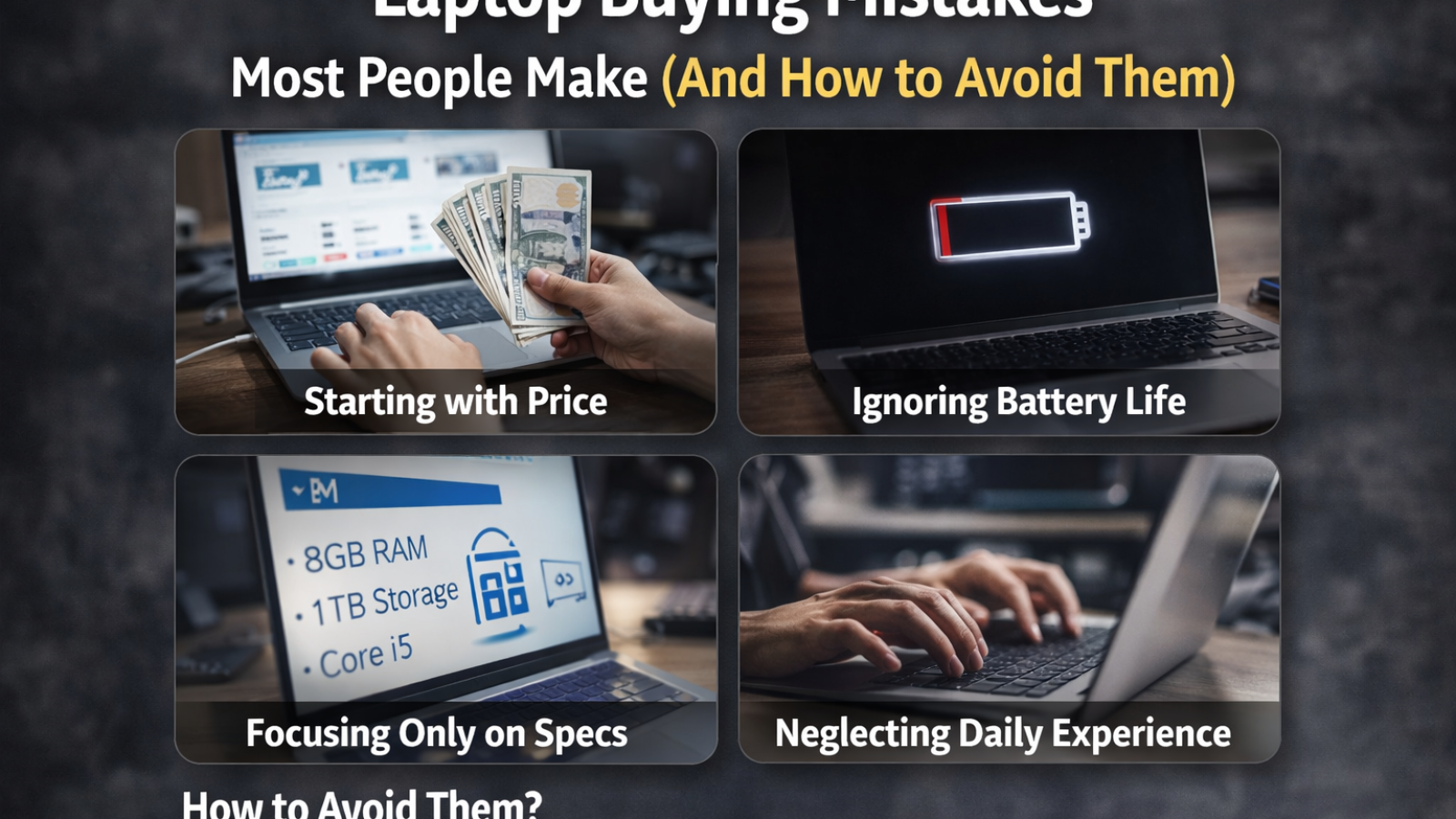
Starting With Price Instead of Purpose
This is probably the most common mistake.
People begin with a fixed budget and then try to “fit” a laptop into it. Sounds logical, but it often leads to compromise in the wrong areas.
A better approach is the opposite.
First decide what you actually need the laptop for. Not what sounds good — what you’ll realistically use it for.
Student work, office tasks, gaming, video editing — these are very different use cases. A laptop that works perfectly for one can feel slow or frustrating for another.
Once your usage is clear, the budget becomes easier to adjust.
Getting Impressed by Specs Without Understanding Them
You’ll often hear things like “8GB RAM”, “i5 processor”, “SSD storage” — and people assume that’s enough to judge performance.
But specs don’t tell the full story.
For example, not all i5 processors perform the same. A newer generation i5 can easily outperform an older one, even if both carry the same label.
Same with RAM. 8GB might be fine for basic tasks, but if you’re opening multiple tabs, using heavy software, or editing content, it can start feeling tight.
Instead of just reading numbers, it helps to understand how those specs affect your actual usage.
Ignoring the Display (Until It’s Too Late)
Display is one of those things people don’t think about… until they start using the laptop daily.
You’ll notice it when text looks dull, colors feel off, or brightness is too low to use comfortably.
If you spend hours on a laptop — whether it’s work, study, or watching content — display quality matters more than you expect.
Resolution is important, but so is panel type and brightness. A full HD display is good, but a poor-quality panel can still look average.
This is something many people regret after buying.
Choosing Storage Based Only on Size
A lot of buyers still focus only on how much storage they’re getting.
“1TB sounds better than 512GB” — which is true, but incomplete.
The type of storage matters more than the size.
An SSD (solid-state drive) makes a huge difference in speed. Boot time, app loading, file access — everything feels faster.
Even a 512GB SSD often performs better in daily use than a larger traditional hard drive.
Some users later upgrade, but starting with SSD saves a lot of frustration.
Overlooking Battery Life
Battery life is rarely a deciding factor during purchase, but it becomes important later.
Especially for students or people who work on the go.
Many laptops look powerful on paper but struggle to last through a full day without charging.
Manufacturers often mention battery hours, but those numbers depend on usage conditions.
In real use — browsing, videos, multitasking — battery behaves differently.
A practical check is to look at real usage feedback rather than just official claims.
Buying a Gaming Laptop Without Needing One
This one happens more often than you’d think.
Gaming laptops look attractive. RGB keyboards, powerful specs, bold design — they give a “high-performance” impression.
But they also come with trade-offs.
They’re heavier, battery drains faster, and they’re not always comfortable for everyday tasks like carrying to college or office.
If you’re not actually gaming or doing heavy graphics work, a normal laptop often feels more practical.
Ignoring Build Quality and Keyboard Feel
Specs get all the attention, but daily experience comes from things like keyboard and build.
If the keyboard feels uncomfortable, you’ll notice it every day. Same with trackpad quality.
Build quality also matters for durability. A laptop that feels solid usually lasts longer, especially if you carry it frequently.
These things don’t show up clearly in spec sheets, which is why many buyers overlook them.
Not Thinking About Ports and Connectivity
This is a small detail that turns into a daily inconvenience.
You buy a laptop, and then realize it has limited ports. Suddenly you need adapters for basic things.
USB ports, HDMI, headphone jack, charging type — these small details affect usability more than expected.
Modern slim laptops sometimes remove ports for design, which looks clean but adds dependency on accessories.
Expecting It to Last Forever Without Planning
Every laptop has a practical lifespan.
Some people expect a laptop to perform like new even after 4–5 years without any slowdown.
While good laptops do last long, performance depends on usage and future requirements.
Planning ahead helps.
Choosing slightly better specs than your current need can keep the laptop usable for longer.
So, How Do You Avoid All This?
Instead of getting lost in comparisons, simplify the process.
Start with your usage.
Understand what specs actually mean for you.
Pay attention to daily experience factors like display, keyboard, and battery.
And don’t get influenced by features you won’t use.
That alone solves most of the common mistakes.
Final Thought
A good laptop is not the one with the highest specs or the best deal.
It’s the one that fits into your daily routine without making things harder.
Because in the end, you don’t notice a laptop when it works well.
You only notice it when it doesn’t.
Add a Comment