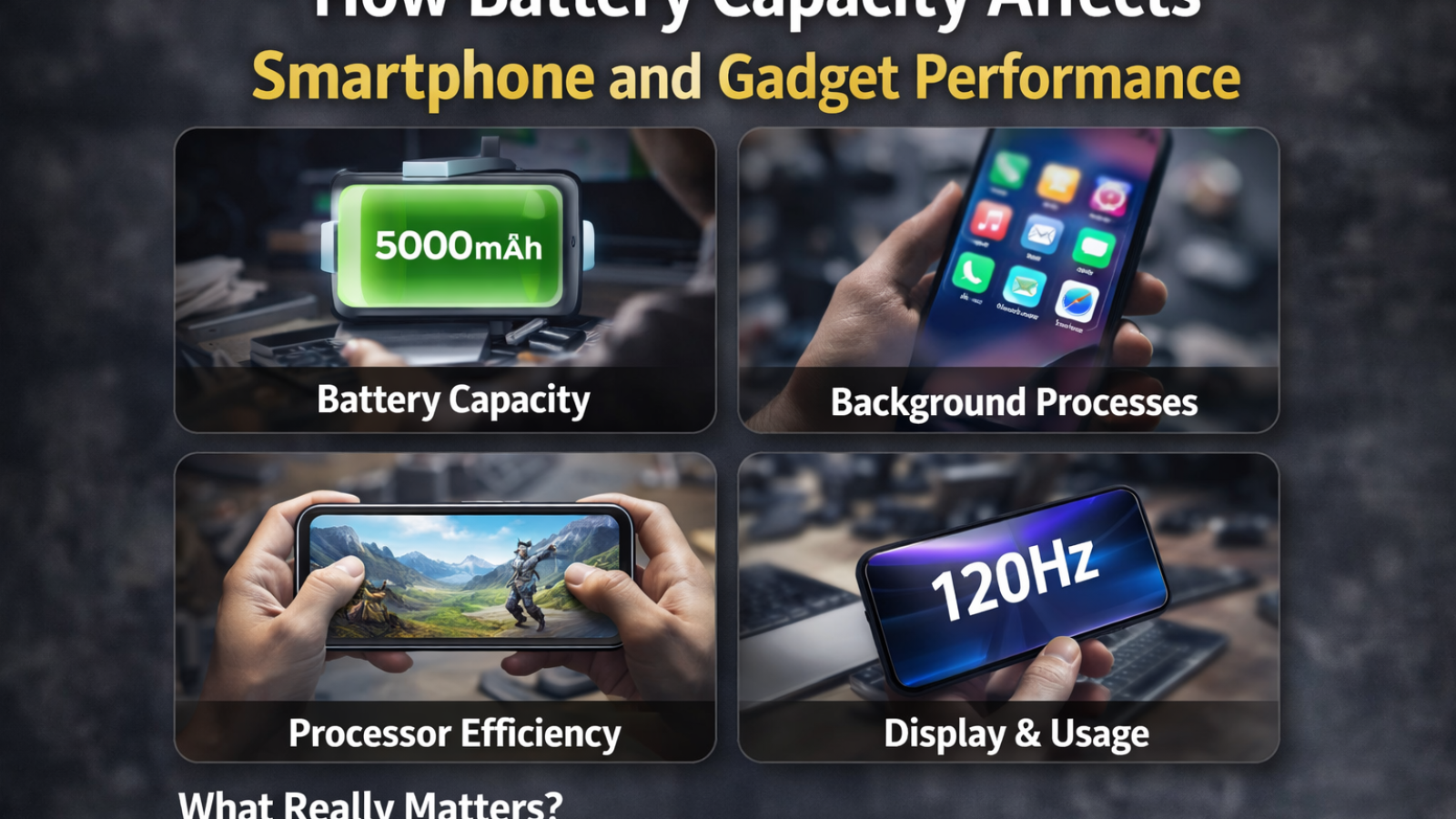
Most people look at battery numbers the same way they look at storage — bigger is better.
You’ll see something like 5000mAh and immediately assume the device will last long. And sometimes it does. But not always.
If you’ve ever used two phones with the same battery capacity and noticed completely different battery life, you already know something doesn’t add up.
Battery capacity matters… but not in the simple way it’s often presented.
That “mAh” Number Isn’t the Full Story
Let’s clear one thing first.
mAh (milliampere-hour) tells you how much charge a battery can hold. So yes, a 5000mAh battery technically stores more energy than a 4000mAh one.
But here’s where things get interesting.
Two devices with the same 5000mAh battery can behave very differently. One might last a full day easily, while the other struggles by evening.
Why?
Because battery life is not just about capacity. It’s about how efficiently that energy is used.
The Processor Quietly Controls Battery Behavior
Most people focus on battery size, but the processor (chipset) plays a bigger role than expected.
Modern processors are designed to be power-efficient. They adjust performance based on what you’re doing — scrolling, gaming, watching videos, or just keeping the phone idle.
For example, a newer chipset built on a smaller manufacturing process (like 6nm or 4nm) usually consumes less power compared to older ones.
So even with a slightly smaller battery, a device with a more efficient processor can last longer.
This is why newer phones sometimes outperform older ones in battery life despite having similar or even lower mAh.
Display: The Silent Battery Drainer
If there’s one component that consistently affects battery performance, it’s the display.
Think about how often your screen is on. Probably most of the time.
Now consider this:
- Higher brightness → more battery usage
- Higher refresh rate (90Hz, 120Hz) → smoother experience but more power consumption
- Larger screen size → more energy needed
So a phone with a 5000mAh battery and a bright 120Hz display might drain faster than a 4500mAh phone with a standard 60Hz panel.
It’s not a flaw — it’s a trade-off.
Background Apps and Real Usage
On paper, battery capacity looks straightforward. In real life, usage patterns change everything.
Some people use their phones mostly for calls, messaging, and light browsing. Others run heavy apps, games, or keep multiple apps active in the background.
Background apps, syncing, notifications — all of these consume power quietly.
This is why two users with the same phone often report completely different battery experiences.
Capacity doesn’t change. Usage does.
Fast Charging Changes the Perception
Fast charging has slightly changed how people think about battery performance.
Earlier, longer battery life was everything. Now, even if a phone drains faster, users feel okay as long as it charges quickly.
A device that goes from 0 to 50% in 30 minutes feels more convenient than one that lasts longer but charges slowly.
This doesn’t improve battery capacity itself, but it improves usability.
In a way, charging speed has become part of the battery experience.
Heat and Performance Connection
Battery performance isn’t just about how long it lasts — it also affects how the device performs under load.
When a phone heats up (especially during gaming or heavy tasks), the system may reduce performance to control temperature. This is called thermal throttling.
And battery plays a role here.
A well-optimized battery system, combined with efficient cooling, helps maintain stable performance for longer.
On the other hand, poor optimization can lead to faster drain and performance drops.
Standby Drain: The Hidden Factor
Here’s something many people notice but don’t always understand.
You leave your phone overnight at, say, 80%. By morning, it’s at 70%.
That’s standby drain.
Even when you’re not actively using the device, background processes, network signals, and system tasks continue.
Devices with better software optimization handle this more efficiently, losing less battery overnight.
So again, capacity alone doesn’t define performance.
Gadgets Beyond Smartphones
This concept doesn’t apply only to phones.
Wireless earbuds, smartwatches, Bluetooth speakers — all follow the same pattern.
For example:
A smartwatch with a smaller battery can still last longer if it uses a low-power display and efficient software.
Wireless earbuds may have tiny batteries, but optimized power usage allows them to last hours.
In contrast, poorly optimized gadgets drain quickly, even with decent battery capacity.
A Common Misunderstanding
A lot of buyers assume:
“More mAh = better battery performance.”
It’s not wrong, but it’s incomplete.
Battery capacity is just one part of a bigger system that includes:
- processor efficiency
- display behavior
- software optimization
- user habits
Ignoring these leads to wrong expectations.
So What Should You Actually Look At?
Instead of focusing only on numbers, it helps to look at the overall picture.
- Is the processor efficient?
- Does the display consume more power?
- How is real-world battery feedback?
- Does the device heat up quickly?
These questions give a clearer idea than just checking mAh.
Final Thought
Battery capacity does matter — no doubt about that.
But it doesn’t work alone.
Two devices with the same battery size can feel completely different depending on how well everything else is optimized.
So instead of asking, “How big is the battery?”, a better question is:
“How well does this device use its battery?”
Because in real life, that’s what actually defines performance.
Add a Comment